

An Instagram Story fills your phone screen from top to bottom, so a small sizing mistake can become surprisingly obvious. A photo that looks perfectly framed in your camera roll may get cropped, stretched, or covered by Instagram’s interface once it becomes a Story.
The standard Instagram Story dimensions are 1080 × 1920 pixels, using a 9:16 vertical aspect ratio. This is the commonly recommended full-screen format for Instagram Stories.
But there is an important measurement detail: 1080 × 1920 pixels is not automatically a particular number of inches or feet. Pixels are digital units, and their physical size depends on the pixel density or print resolution you choose.
At 300 pixels per inch (PPI), for example, a 1080 × 1920 image would print at exactly 3.6 × 6.4 inches. This makes it possible to connect digital Instagram Story dimensions with familiar physical measurements.
Instagram Story dimensions are 1080 × 1920 pixels, a 9:16 aspect ratio, or 3.6 × 6.4 inches when printed at 300 PPI.
This guide breaks down Instagram Story dimensions in pixels, inches, feet, centimeters, and meters. It also explains the 9:16 shape, compares it with familiar sizes, and shows how to visualize the format without relying on a measuring tape.
Every Instagram Story Dimension Converted
If you are working with Instagram Story dimensions, the most important numbers are 1080 pixels wide and 1920 pixels tall. The format is vertical, making it suitable for full-screen smartphone viewing.
Here is how the dimensions translate into different measurements:
| Measurement | Instagram Story Size |
|---|---|
| Pixels | 1080 × 1920 px |
| Aspect ratio | 9:16 |
| At 72 PPI | 15 × 26.67 inches |
| At 96 PPI | 11.25 × 20 inches |
| At 150 PPI | 7.2 × 12.8 inches |
| At 300 PPI | 3.6 × 6.4 inches |
| At 300 PPI in feet | 0.3 × 0.533 ft |
| At 300 PPI in centimeters | 9.144 × 16.256 cm |
| At 300 PPI in millimeters | 91.44 × 162.56 mm |
The important formula is:
Pixels ÷ PPI = inches
So, at 300 PPI:
1080 ÷ 300 = 3.6 inches
and:
1920 ÷ 300 = 6.4 inches
To convert inches into centimeters, multiply by 2.54:
3.6 × 2.54 = 9.144 cm
6.4 × 2.54 = 16.256 cm
This does not mean an Instagram Story physically appears as a 3.6 × 6.4-inch rectangle on every phone. The 3.6 × 6.4-inch measurement is simply the physical size the image would have if printed at 300 PPI.
Where 1080 × 1920 Fits on the Instagram Size Scale
The easiest way to understand Instagram Story dimensions is to look at the aspect ratio.
An Instagram Story uses a 9:16 ratio. That means for every 9 units of width, the design has 16 units of height.
The same proportion can be represented at different resolutions.
For example:
- 540 × 960 pixels = 9:16
- 720 × 1280 pixels = 9:16
- 1080 × 1920 pixels = 9:16
- 1440 × 2560 pixels = 9:16
Although the pixel counts are different, the shape remains exactly the same.
The 1080 × 1920 pixel format is widely recommended because it provides a high-resolution canvas while maintaining the full-screen 9:16 shape.
For comparison, a square Instagram graphic measuring 1080 × 1080 pixels has a 1:1 ratio. A portrait feed image measuring 1080 × 1350 pixels has a 4:5 ratio. An Instagram Story is considerably taller because it is designed for vertical, full-screen viewing.
10 Things That Help You Visualize Instagram Story Dimensions
Because pixels do not have a fixed physical size, the best way to visualize Instagram Story dimensions is to use proportional physical examples.
1. A 3.6 × 6.4-Inch Printed Image
At 300 PPI, a 1080 × 1920 pixel image becomes a 3.6 × 6.4-inch print.
This is one of the most direct ways to understand the physical equivalent of Instagram Story dimensions.
The width is 3.6 inches, while the height is 6.4 inches, giving the rectangle the same 9:16 proportion as the digital Story format.

2. A Standard 4 × 6-Inch Photo
A standard 4 × 6-inch photograph is useful for comparison because it is a familiar physical size.
However, a 4 × 6 photo has a 2:3 aspect ratio, not 9:16. This means it is wider relative to its height than an Instagram Story.
If you place a 9:16 design over a 4 × 6 photograph, you would see that the Story shape is noticeably taller and narrower.

3. A Modern Smartphone Screen
A smartphone is one of the easiest real-world references for Instagram Story dimensions because Stories are designed to fill a phone’s vertical display.
Many modern smartphones use tall portrait-oriented displays, although their exact physical dimensions and aspect ratios vary by model.
This means a phone can help you visualize the general shape of a Story, but it should not be treated as an exact physical equivalent of 1080 × 1920 pixels.

4. A 4.5 × 8-Inch 9:16 Rectangle
A physical rectangle measuring 4.5 × 8 inches has a 9:16 aspect ratio.
This provides a simple physical example of the same proportions used by an Instagram Story.
Although it is larger than the 300-PPI physical equivalent of a 1080 × 1920 image, its shape remains identical.

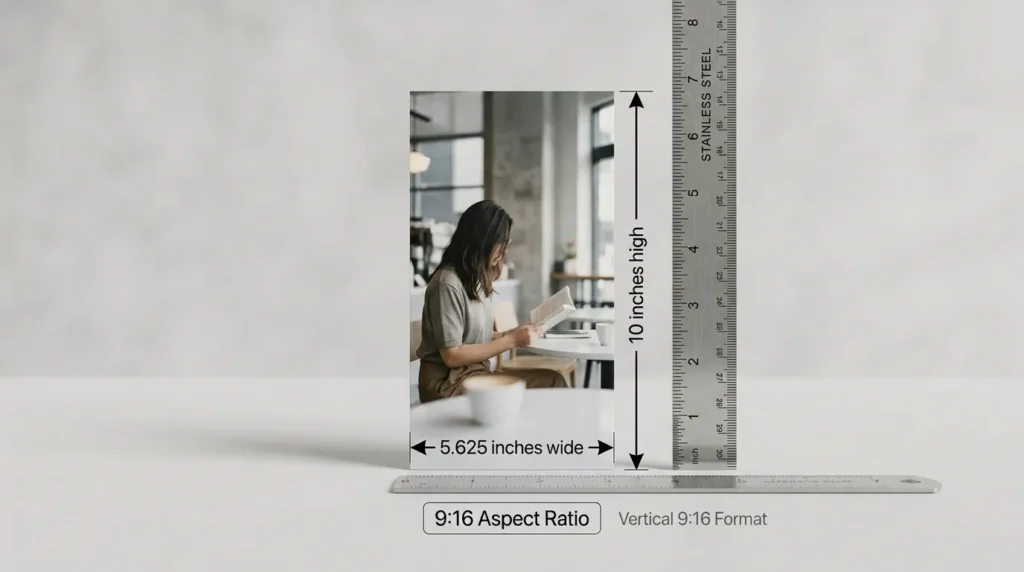
5. A 5.625 × 10-Inch Vertical Print
Another useful example is a 5.625 × 10-inch rectangle.
Dividing 5.625 by 9 and multiplying by 16 gives 10 inches, so the dimensions maintain the 9:16 ratio.
This is a convenient larger-scale example because it makes the tall, narrow shape easier to see.
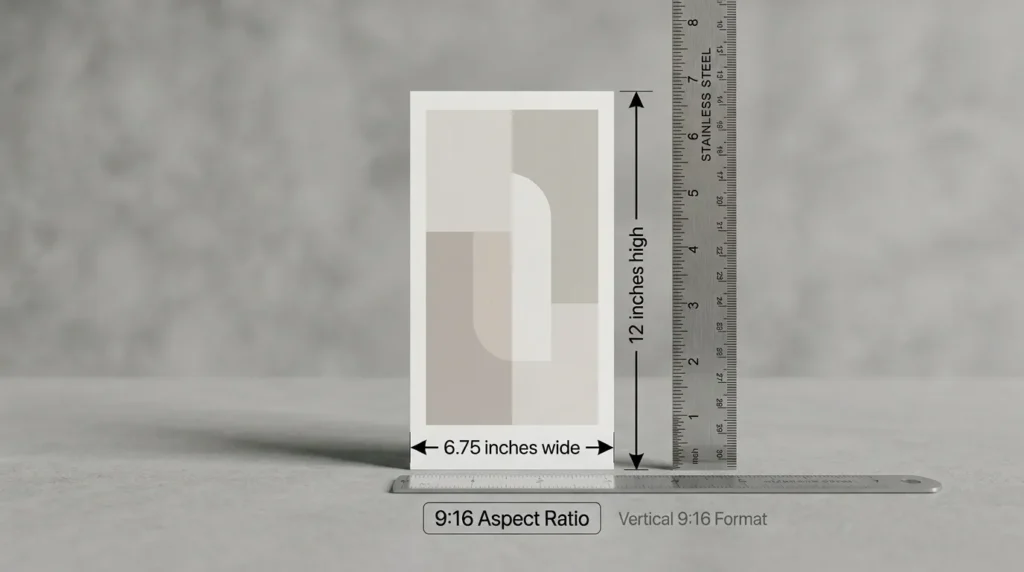
6. A 6.75 × 12-Inch Poster
A 6.75 × 12-inch poster also follows the 9:16 ratio.
This size makes the relationship between width and height particularly easy to visualize. If the width increases, the height increases proportionally.
The same rule applies to a digital Instagram Story: increasing 9 units of width to 18 units would require 32 units of height to maintain the same shape.
7. A 9 × 16-Inch Poster
A 9 × 16-inch poster is perhaps the simplest physical representation of a 9:16 aspect ratio.
It has exactly 9 inches of width and 16 inches of height.
The dimensions are not the same physical size as an Instagram Story image, but the proportions are exactly the same.

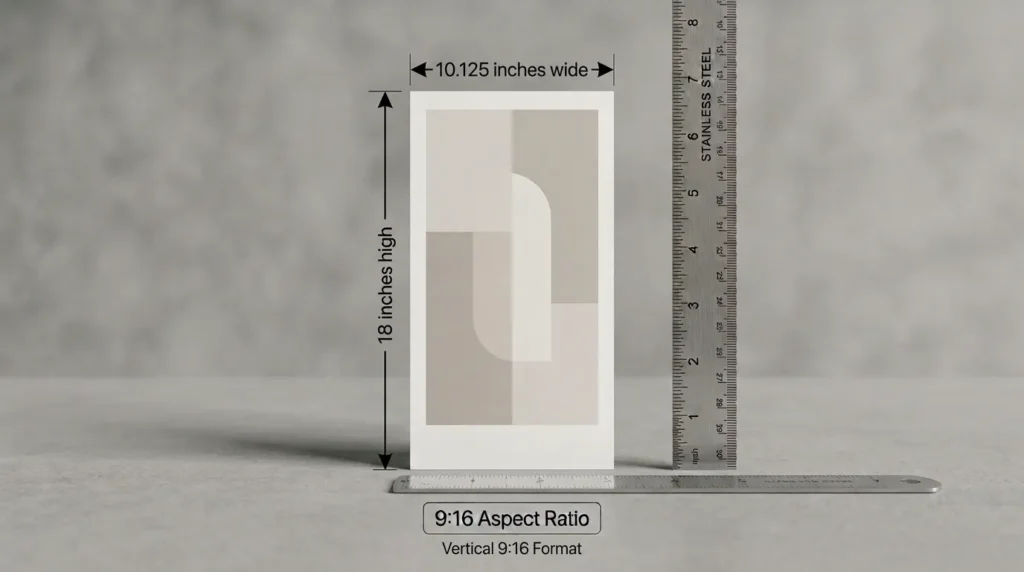
8. A 10.125 × 18-Inch Vertical Sign
A 10.125 × 18-inch sign maintains the 9:16 proportion.
Larger physical examples like this can make the vertical shape easier to understand, especially when explaining aspect ratios to someone who is more familiar with physical measurements than pixels.
9. A 12 × 21.33-Inch Display
A display measuring approximately 12 × 21.33 inches follows the same 9:16 proportion.
The exact dimensions are larger than a smartphone, but the shape remains identical to a 1080 × 1920 pixel canvas.
This demonstrates an important concept: aspect ratio describes shape, not physical size.

10. A Letter-Size Sheet With a 9:16 Crop
A standard U.S. Letter sheet measures 8.5 × 11 inches.
It is not naturally a 9:16 rectangle, but you can create a 9:16 area by using the full 11-inch height and cropping the width to approximately 6.19 inches.
That gives you a physical rectangle of approximately 6.19 × 11 inches, which follows the same 9:16 proportions.
This is a useful demonstration because Letter-size paper is common and easy to find.

The 9:16 Screen Question People Actually Mean
When someone asks, “What size is an Instagram Story?” they often mean more than just the pixel dimensions.
They may actually be asking how large the Story appears on a phone screen.
The answer depends on the device.
Instagram Stories are designed around a 9:16 full-screen vertical format, with the recommended canvas being 1080 × 1920 pixels.
The physical size of the screen can vary considerably between smartphones. A phone may have a different screen diagonal, bezel size, pixel density, and display aspect ratio while still displaying a 9:16 Story canvas.
That is why it is better to think of 1080 × 1920 as a digital canvas, rather than saying that every Instagram Story is physically a certain number of inches.
Getting to Instagram Story Size Without a Measuring Tape
You do not need a ruler to understand the basic proportions of an Instagram Story.
Start with the number 9 for the width and 16 for the height.
If the width is 9 inches, the height is 16 inches.
If the width is 4.5 inches, the height is 8 inches.
If the width is 3.6 inches, the height is 6.4 inches.
If the width is 1080 pixels, the height is 1920 pixels.
The relationship remains the same.
This is the main idea behind an aspect ratio: the numbers can scale up or down while the shape stays consistent.
For actual Instagram content, however, creating the design at 1080 × 1920 pixels is the simplest approach. It gives you the recommended 9:16 canvas without requiring you to calculate a physical measurement.
You should also keep important text, logos, buttons, and other essential elements away from areas where Instagram’s interface may appear. Current social media sizing guides provide safe-area guidance for Stories, with a working safe area commonly listed around 1080 × 1610 pixels.
Instagram Story Dimensions FAQs
What are the Instagram Story dimensions?
The recommended Instagram Story dimensions are 1080 × 1920 pixels with a 9:16 aspect ratio.
What is the Instagram Story size in inches?
There is no single fixed physical size because pixels do not have a fixed physical measurement.
At 300 PPI, however, 1080 × 1920 pixels equals 3.6 × 6.4 inches when printed.
How many feet is an Instagram Story?
At 300 PPI, a 1080 × 1920 pixel image is approximately 0.3 × 0.533 feet when printed.
This is a physical print conversion, not the actual physical size of a Story on a phone.
What is the Instagram Story aspect ratio?
Instagram Stories use a 9:16 vertical aspect ratio.
Is 1080 × 1920 good for Instagram Stories?
Yes. 1080 × 1920 pixels is the commonly recommended size for Instagram Stories and provides a full-screen 9:16 canvas.
Is 720 × 1280 the same ratio as 1080 × 1920?
Yes. Both are 9:16.
The 1080 × 1920 version simply contains more pixels, while the overall shape remains the same.
Can I use 1080 × 1080 for an Instagram Story?
You can upload different formats, but 1080 × 1080 is a square 1:1 format, not the recommended 9:16 full-screen Story format.
For a full-screen Story, use 1080 × 1920 pixels.
What size should text be on an Instagram Story?
There is no single universal text size because fonts, layouts, and designs vary. The more important rule is to make text clearly readable on a phone and keep important information away from interface areas.
What is the Instagram Story safe area?
Safe-area recommendations vary by guide and placement, but current sizing resources commonly identify a central area around 1080 × 1610 pixels for keeping important content away from interface overlays.
Conclusion
If you are creating content for Instagram Stories, the most important measurement to remember is 1080 × 1920 pixels. This size follows the 9:16 vertical aspect ratio, which is designed to fill the smartphone screen in portrait orientation. While pixels describe the digital canvas, they do not have a fixed physical size in inches or feet. The physical equivalent depends on the resolution or pixel density being used. For example, at 300 PPI, a 1080 × 1920 pixel image would measure 3.6 × 6.4 inches, or approximately 9.14 × 16.26 centimeters, when printed.
Understanding this distinction makes Instagram Story dimensions much easier to work with. Whether you are designing graphics, uploading photographs, creating advertisements, or preparing branded content, starting with a 1080 × 1920 pixel canvas gives you the correct 9:16 shape for a full-screen Story. Just remember to keep important text, logos, and other essential elements away from areas that may be covered by Instagram’s interface. In simple terms, 1080 × 1920 pixels is the key Instagram Story size to remember, while 9:16 explains its tall vertical shape and 300 PPI provides a useful reference when converting those pixels into physical measurements.

Jack Harrison is a passionate writer who creates informative, engaging and easy-to-understand content for online readers. He enjoys researching new topics and sharing practical insights that help readers discover useful ideas and information.


